 Oby
ObyProfessional Webcam
from your Smartphone
Low latency, 1080p video, and AI background blur. Works over local Wi-Fi with zero cloud tracking.
Local First
Your video never leaves your Wi-Fi. No account required, no cloud latency, 100% private connectivity.
Studio Mode
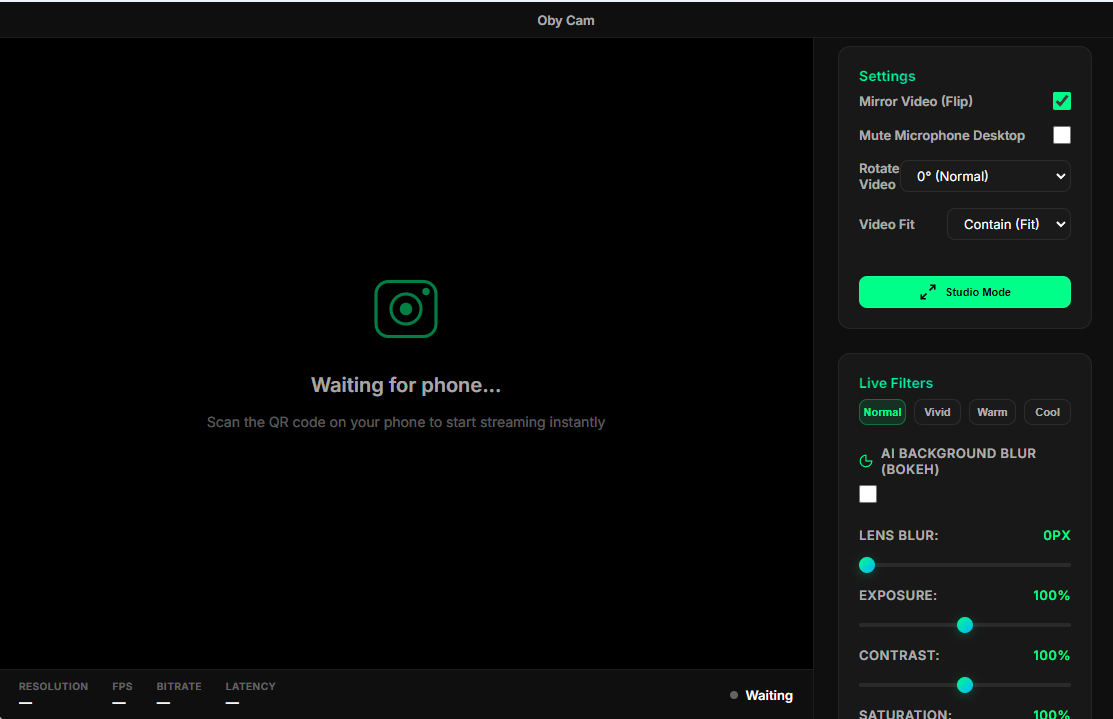
Designed for streamers. Get a clean, UI-free video source for OBS with a single click.
AI Powered
Real-time background blur and bokeh effects processed on your desktop to save phone battery.
PIN Secured
Every connection is verified with a unique 4-digit PIN generated by the desktop software.
Any Orientation
Supports 90/180/270 degree rotation with smart scaling to fill your streaming canvas.
High Definition
Stream up to 1080p at 60 FPS depending on your network conditions. Balanced and sharp.
How to Connect
Get your stream running in under a minute. No cables required.
Install Mobile App
Download the Oby Cam app on your Android phone and grant camera permissions.
Install Desktop Software
Download and launch the Oby Cam software from the Microsoft Store. A secure QR code will appear.
Scan & Connect
Open the Mobile app, tap "Start Camera", tap "Connect", and scan the QR code on your PC screen.
Share Video
In the Desktop software, turn on "Studio Mode". In any broadcast software, capture the Oby Cam window to share the feed.
Frequently Asked Questions
Everything you need to know about Oby Cam.
Is Oby Cam completely free?
Yes! Oby Cam is currently completely free to use with no hidden subscriptions or watermark restrictions for the core features.
Do I need an active internet connection?
No internet is required for streaming! Oby Cam uses your Local Wi-Fi Network (P2P WebRTC). As long as your PC and phone are connected to the same router, it will work perfectly—even if the internet is down.
Can I use it with any broadcast software?
Absolutely. Oby Cam has a built-in "Studio Mode" which hides all UI elements, giving you a clean video feed. Just use window capture in your broadcast software to grab the feed.
Is my video feed secure?
100% Secure. Your video feed never touches a cloud server. It travels directly from your phone to your PC over your local network. Every session is also protected by a secure 4-digit PIN.